How it works

Five ways in. No drag and drop.

Connect the plugin to the AI app you use, paste the list from your Notes app, bring in Instagram or a spreadsheet, or tap countries by hand. Nothing is added until you tick it.

Start from wherever your trips already live.

Mix and match. Everything lands on one private map, and nothing is added until you tick it.

ChatGPTClaudeCodexGrok+ any AI app
Add my trips from Photos to WorldLens
WFound 1,326 photos in 5 countries
✓ 5 places added to your map
01 · Plugins

Your AI app does the work

Add WorldLens to ChatGPT, Claude, Codex, Grok or whichever AI app you use. Connect your photos, or anything else, and ask it to add your trips.

Nothing to upload · nothing to drag
AthensSydney London
02 · Instagram

Every tagged post

Request your Instagram data once. We pull out each post’s location and date.

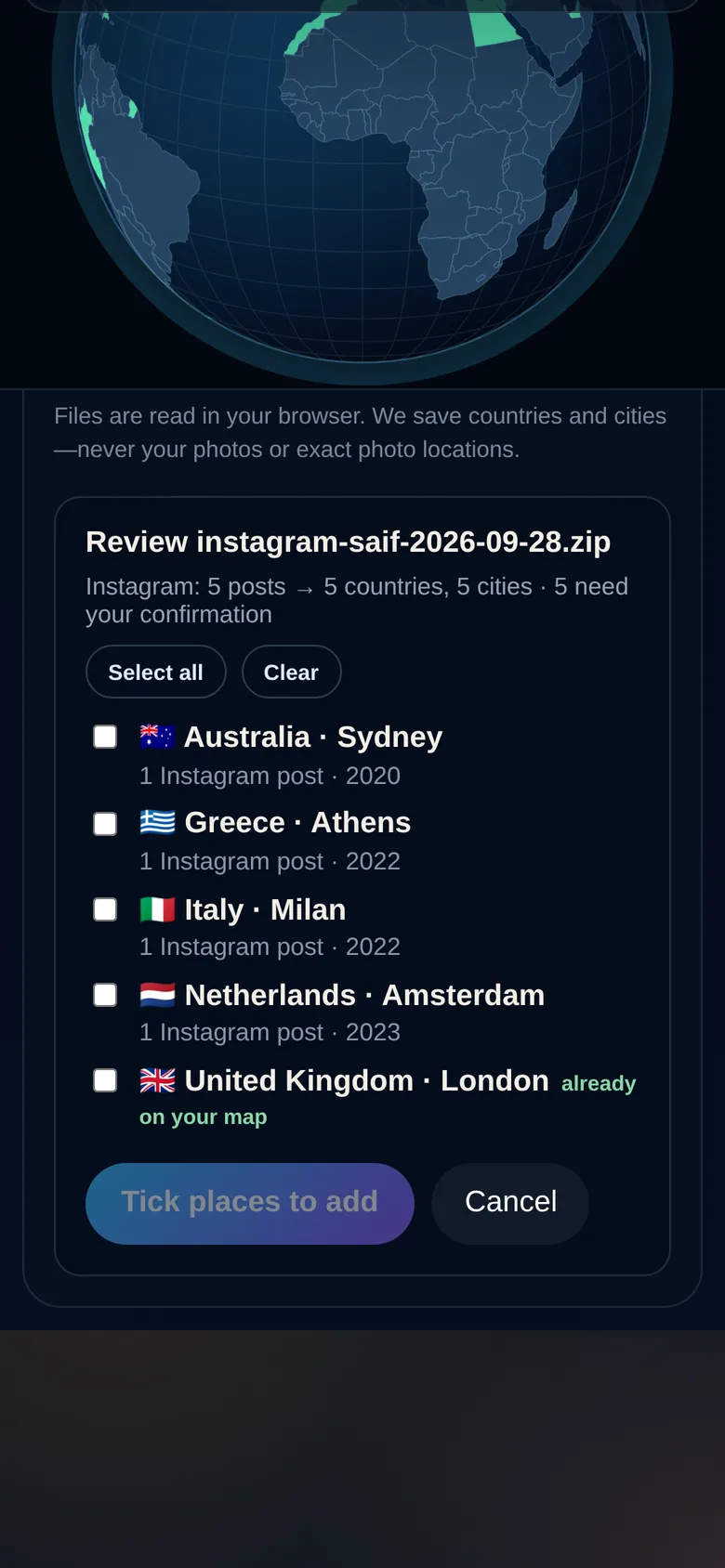
Only locations are read
Places I’ve been ✈️
japan 2019 · tokyo + kyoto!!
Lisbon w/ Mo (summer 22)
peru 🦙 2015
todo: vietnam?
03 · Your notes

That messy list

The one in your Notes app, typos and emoji included. Paste or share it and we find every place.

Messy is fine
countrycityyear
PeruCusco2015
IcelandReykjavik2019
MoroccoMarrakesh2022
04 · Spreadsheet

Rows become places

Country, city, dates. Share the sheet and we read every row for you.

Up to 500 rows
Jap
Japan ✓Jamaica
Italy ✓Peru ✓+ tap the globe
05 · By hand

Tap what you know

Search or tap countries on the globe. Add cities and notes whenever you like.

No account needed
How it works

Years of travel, sorted in minutes.

STEP 1

Make your account

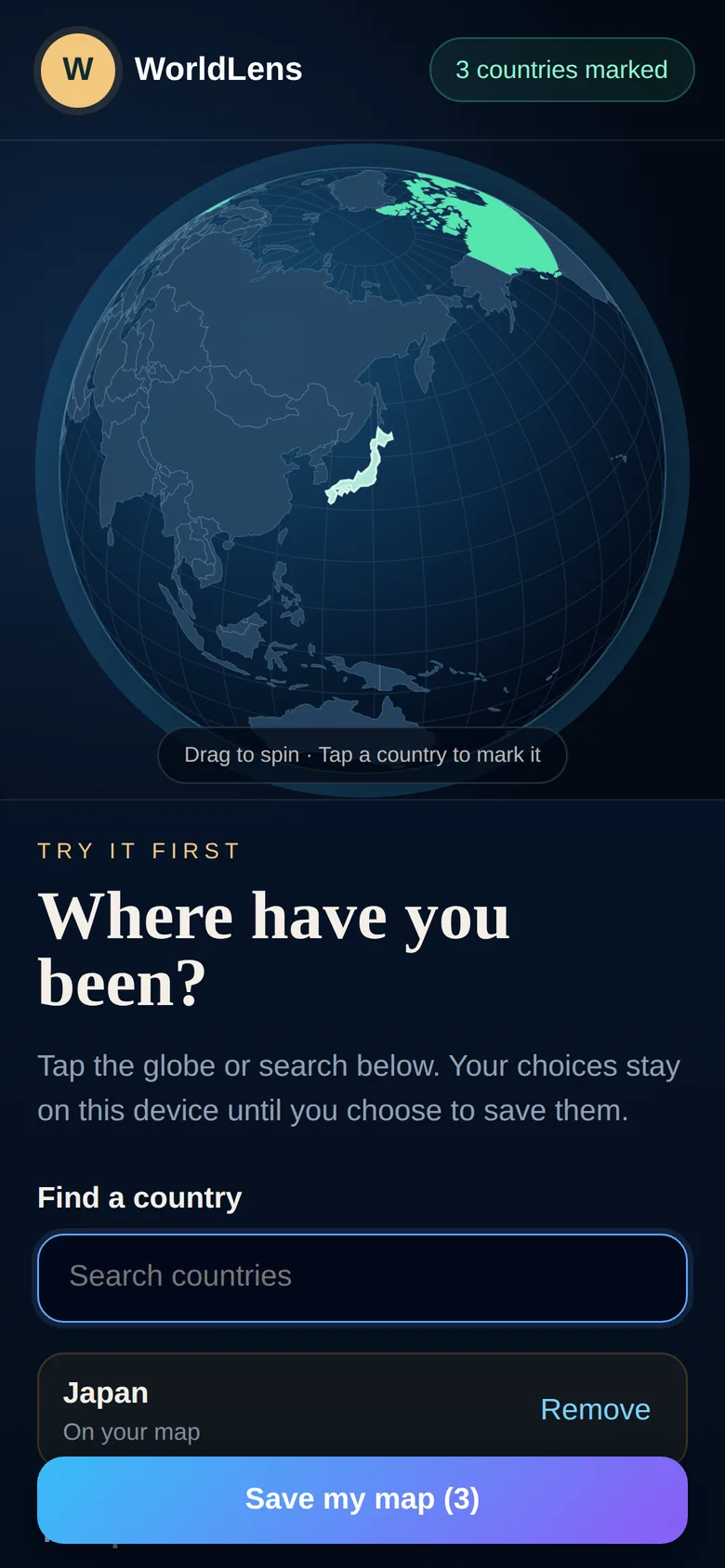
Pick a few countries on the globe, enter your email, and open the sign-in link. Your first picks come with you.

STEP 2

Connect the plugin

Add WorldLens to ChatGPT, Claude, Codex, Grok or whichever AI app you use. Connect your photos and it brings your trips in. Nothing to download and nothing to drag in.

STEP 3

Tick what’s right

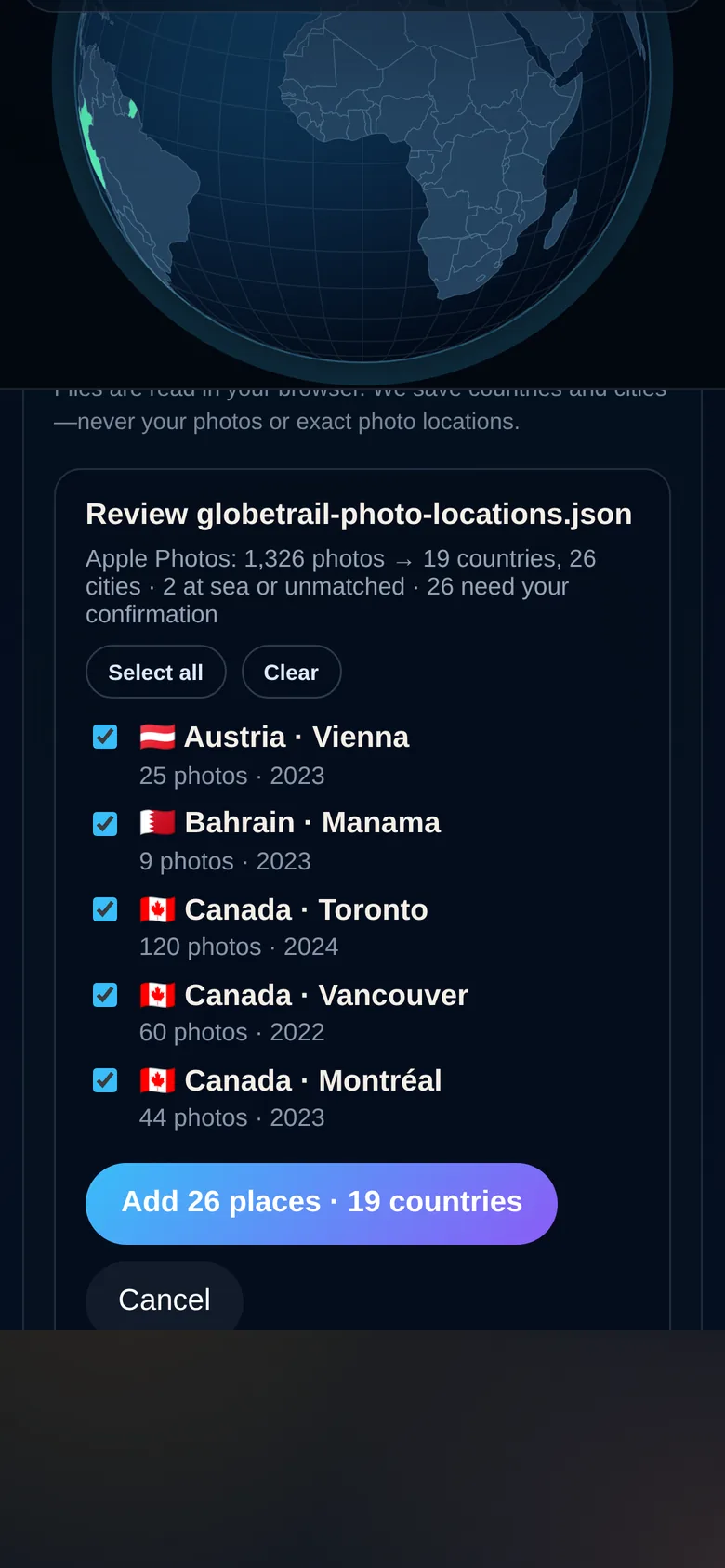
We match every location to a country and the nearest well-known city, with photo counts and dates. Select all, or pick one by one.

STEP 4

Watch it fill in

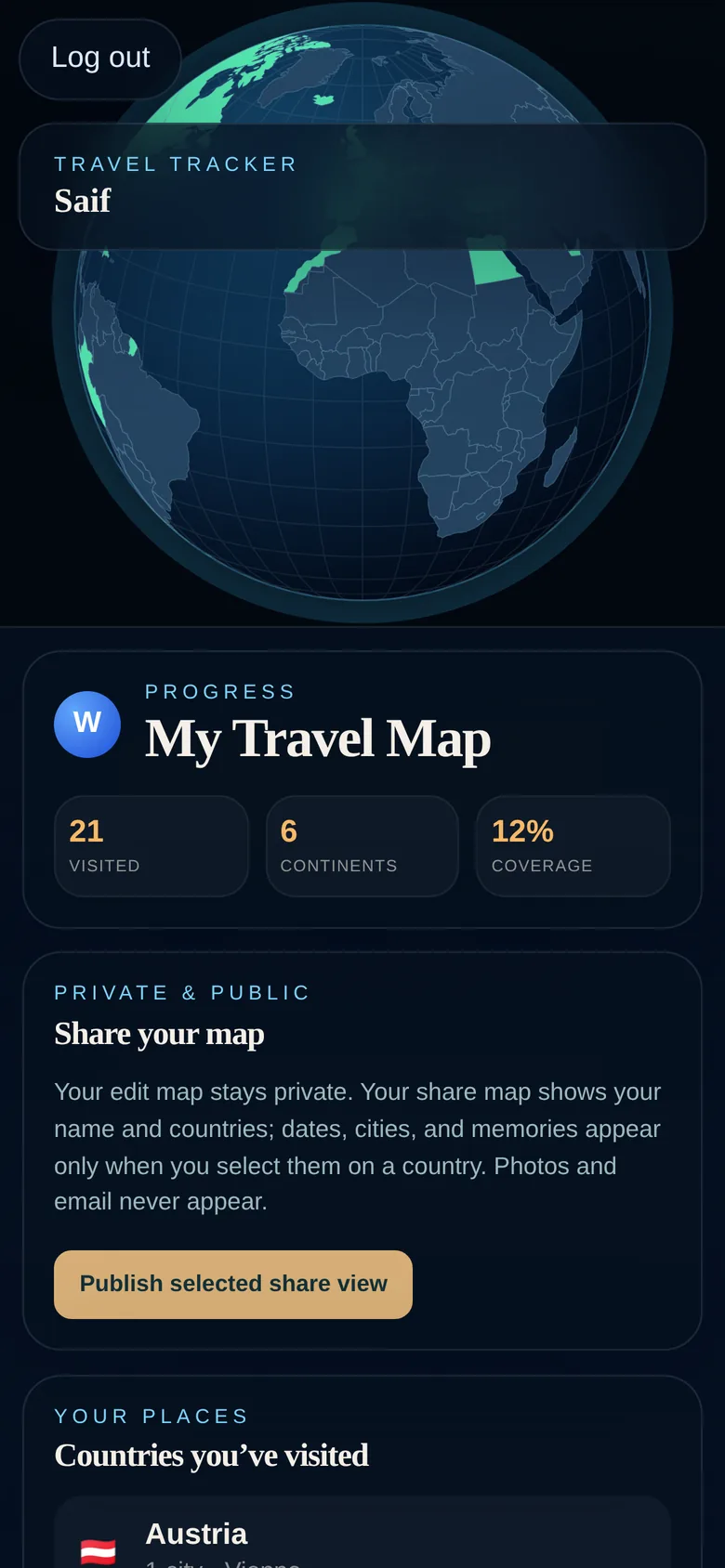
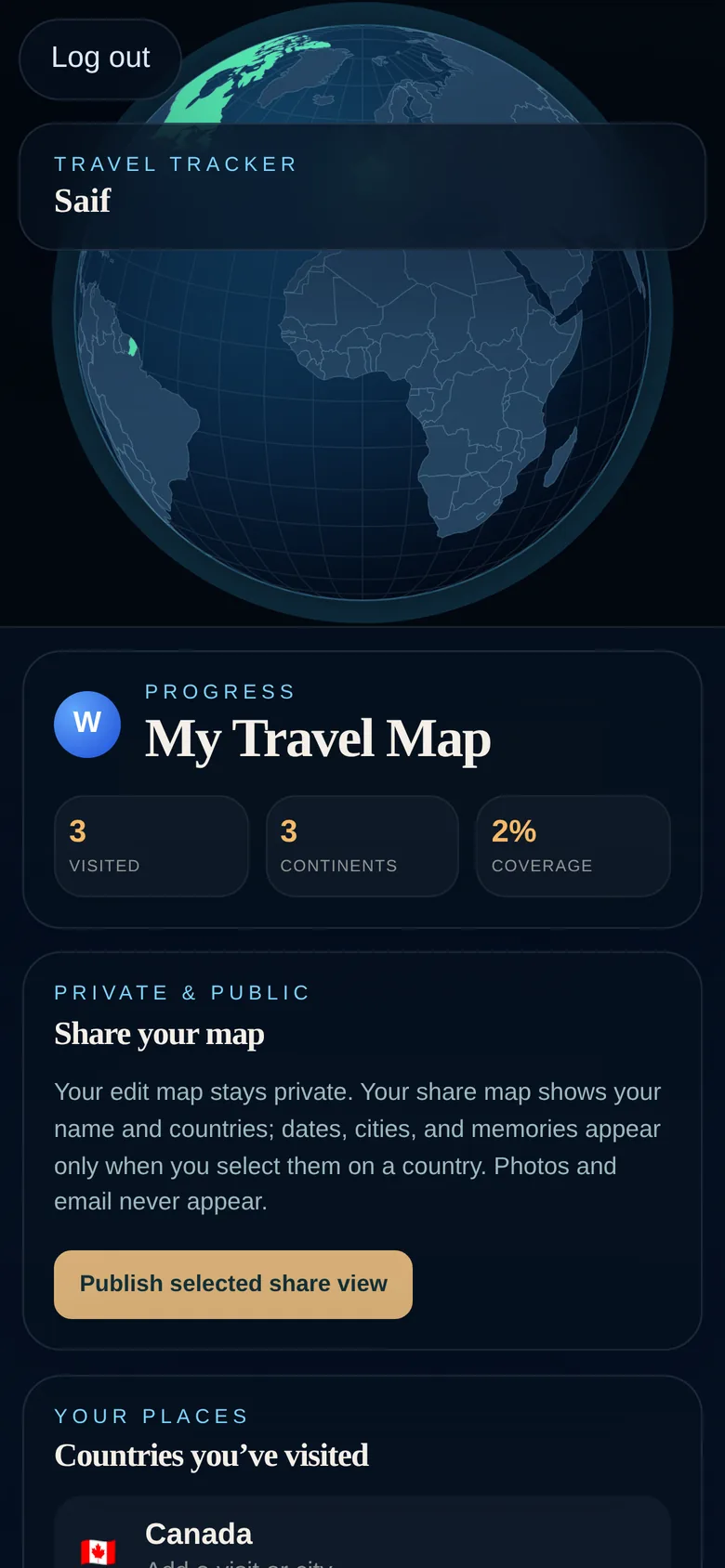
Your map lights up country by country. Add Instagram next, or keep going by hand.

Picking countries on the globe before signing up Review screen listing places found in photos Review screen listing places found in Instagram Map filled in with visited countries
3countries picked
1,326photos read
A WorldLens map on a phone with visited countries lit up
From zero to your map

Four moves. Your whole map.

  1. Sign up in seconds. Enter your email and open the link. No password to remember.
  2. Tap what you know. Search or tap countries. Add cities whenever you like.
  3. Import the rest. Connect the plugin, or add Instagram or a spreadsheet.
  4. Share if you want. Publish a passport link with just the details you choose.

Your first ten countries take a minute.

Tap the ones you remember. Let your photos fill in the rest.

Questions

Good to know.

Do you upload my photos?

Not when you import. The WorldLens plugin only looks at the location and date saved with each photo, and rounds locations to about a kilometre. Photo memories are coming soon; adding pictures to a place will always be your choice, and they’ll be private by default.

How does the plugin work?

Add WorldLens to the AI app you already use, like ChatGPT, Claude, Codex or Grok. Connect your photos (or another source) and ask it to add your trips. It reads only the location and date of each photo and sends the places to your review list. There’s nothing to download or drag in, and you tick what to keep.

Can I use the list in my Notes app?

Yes. Copy the note, or share it to WorldLens, however messy it is. Lines like “japan 2019 tokyo + kyoto” or “Lisbon w/ Mo (summer 22)” become places with dates. Anything we’re unsure about waits for you to check.

Can it read my Instagram directly?

Instagram doesn’t let apps read post locations for personal accounts. So you request your data once in JSON format. When it’s ready, say “add my Instagram trips” and the plugin picks it up and brings the places in. It reads only the location details.

What if a city is wrong?

Everything we find arrives as a suggestion. Untick anything that’s off, then add the right city by hand in a couple of taps.

What’s coming next?

Shared maps you build with family and friends, memories you can add to together, photo memories pinned to your places, and comments on your shared passport. All are in the works, and your existing map carries over when they launch.

Who can see my map?

Only you, until you publish a share link. Even then, cities, dates and notes stay hidden unless you switch them on for a country.
Ready when you are

Connect it once.

Your map keeps filling in as you travel.

Your map takes about three minutes.Start your map ↗